
General information
The window Users in the module Admin allows you to create, modify and delete users of the system.
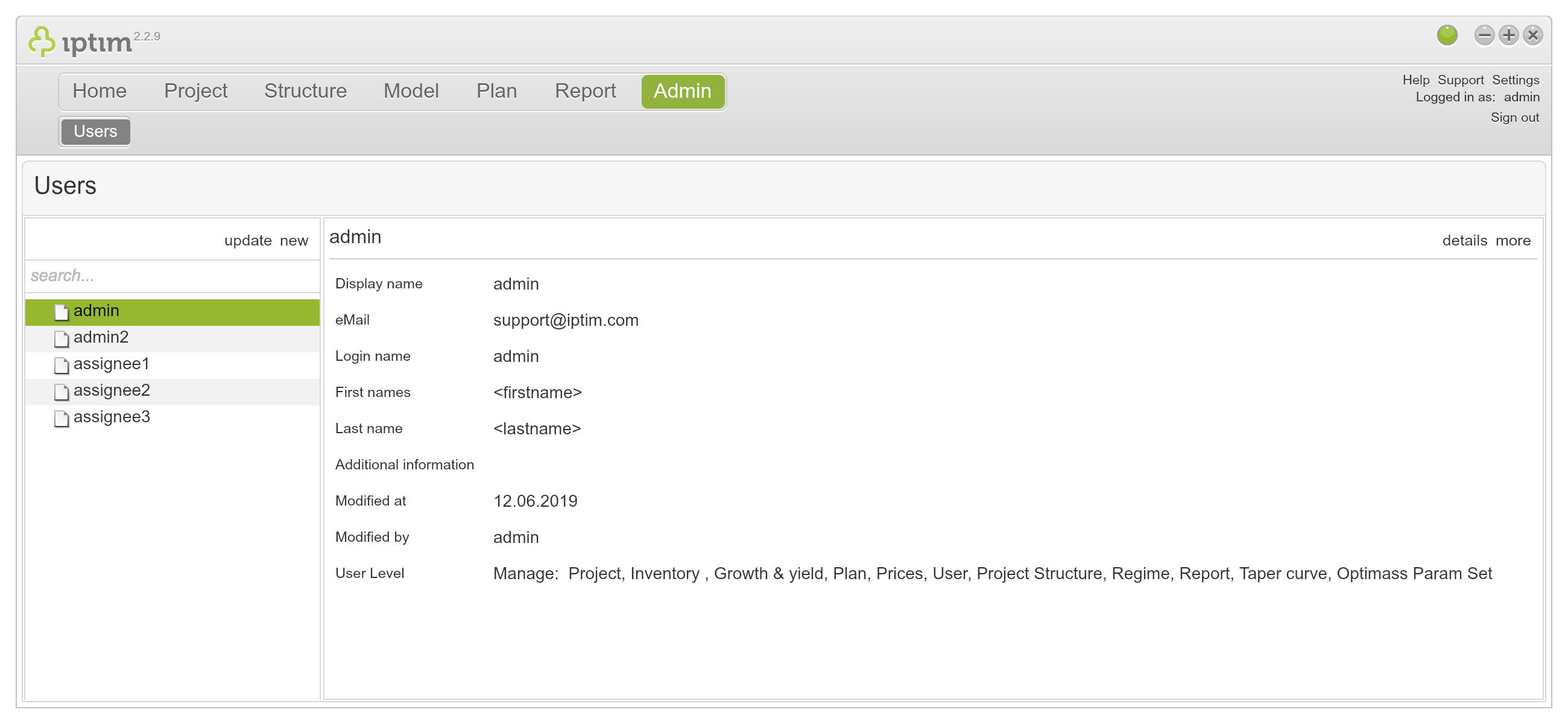
Users window main view.
__
Adding a new user
To add a new user:
- Click on the module Admin (the only window is Users).
- Click on new on the left side of your screen.
- Click on Create user in the section Create.
- Enter a username.
- Enter a display name.
- Enter the new user's first name.
- Enter the new user's last name.
- Enter an email.
- Enter Additional information.
- Enter a password.
- Retype your password in the field retype password
- Click on save.
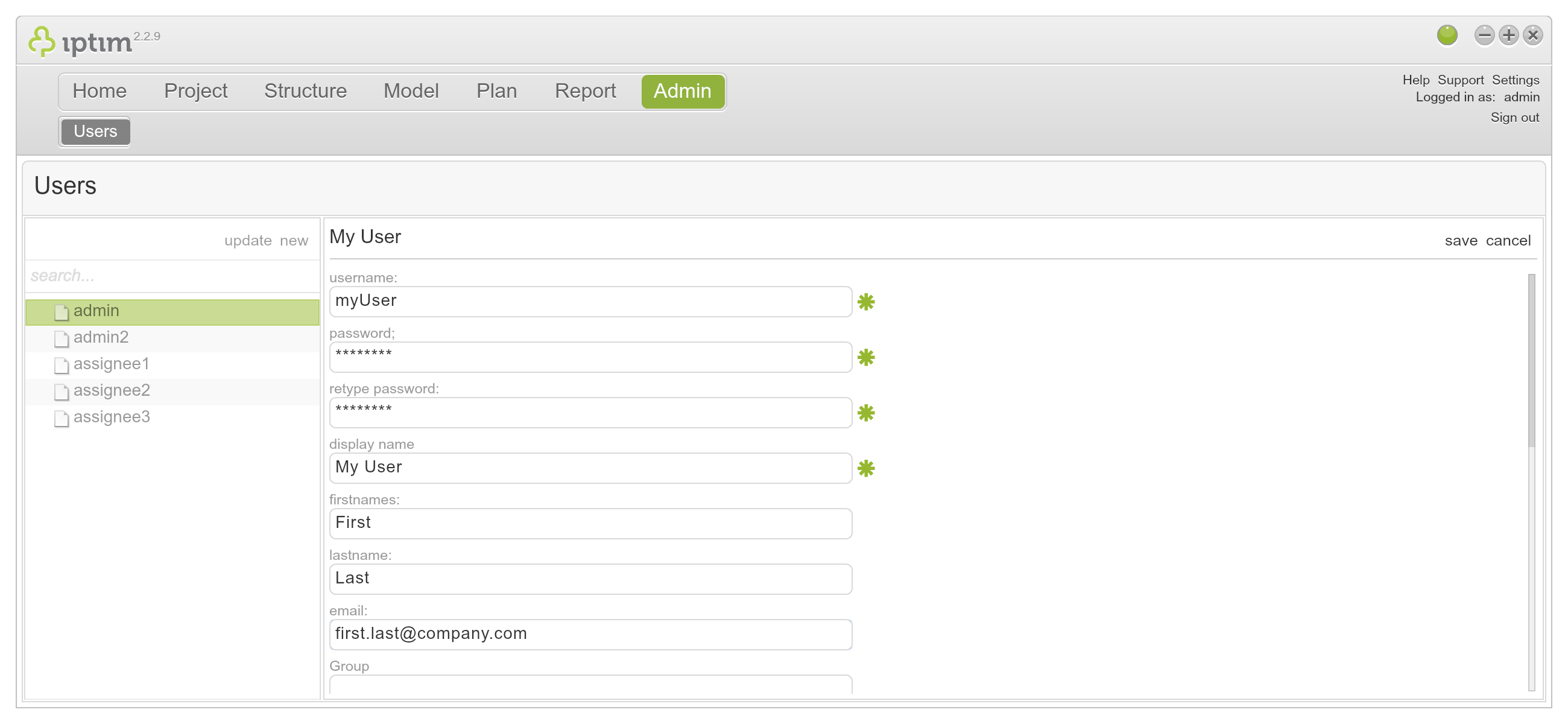
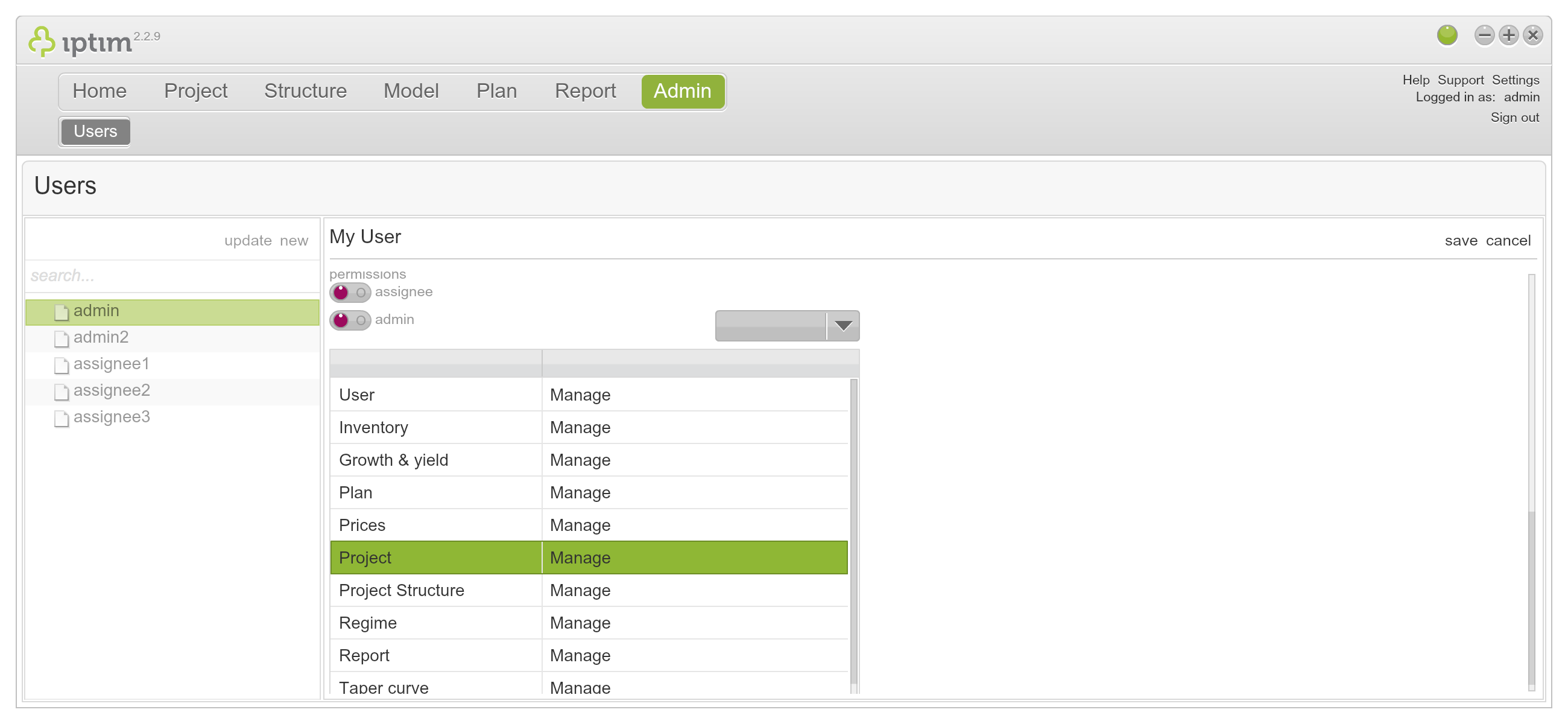
Creating a new user.
__
Edit a user
To edit a user:
- Click on the module People (the only window is Users).
- Select a user from the list on the left side of your screen.
- Click on details on the right hand of your screen.
- Make the necessary changes.
- Click on save.
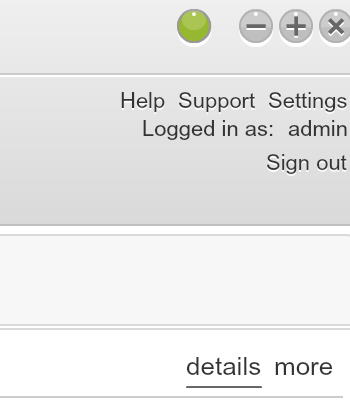
Button to edit a user.
__
Changing password
To change a password:
- Click on the module People (the only window is Users).
- Select a user from the list on the left side of your screen.
- Click on change password on the right hand of your screen.
- Enter a new password and confirm password.
- Enter your old password in the last field ([user] password).
- Click on change.
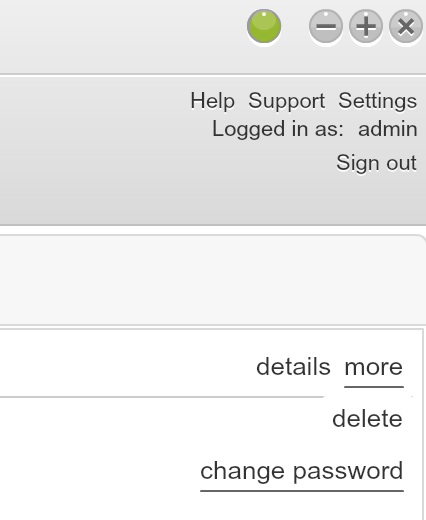
Button to change the password.
Comments
0 comments
Please sign in to leave a comment.