
Sometimes, when estimating growth models, you might want to use a subset of your data. This could be a good idea. For example, by using a subset of your data, you might reduce noise to create models with more logical shapes.
Iptim allows selecting a subset (or subsets) of data for estimating growth models:
Note: It must be possible to select the subset through a Category Variable.
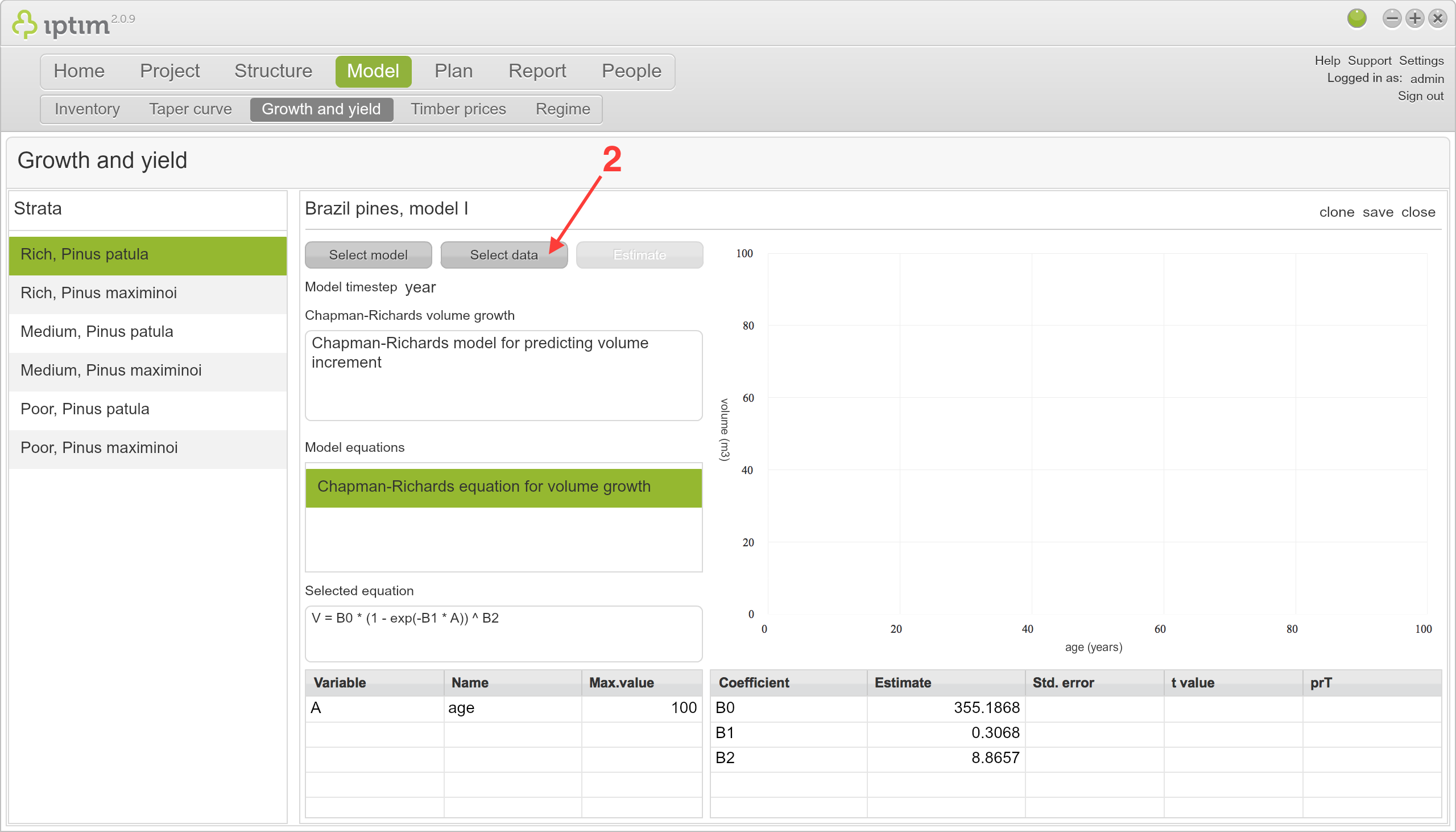
- Go to the Growth and Yield module and open a model.
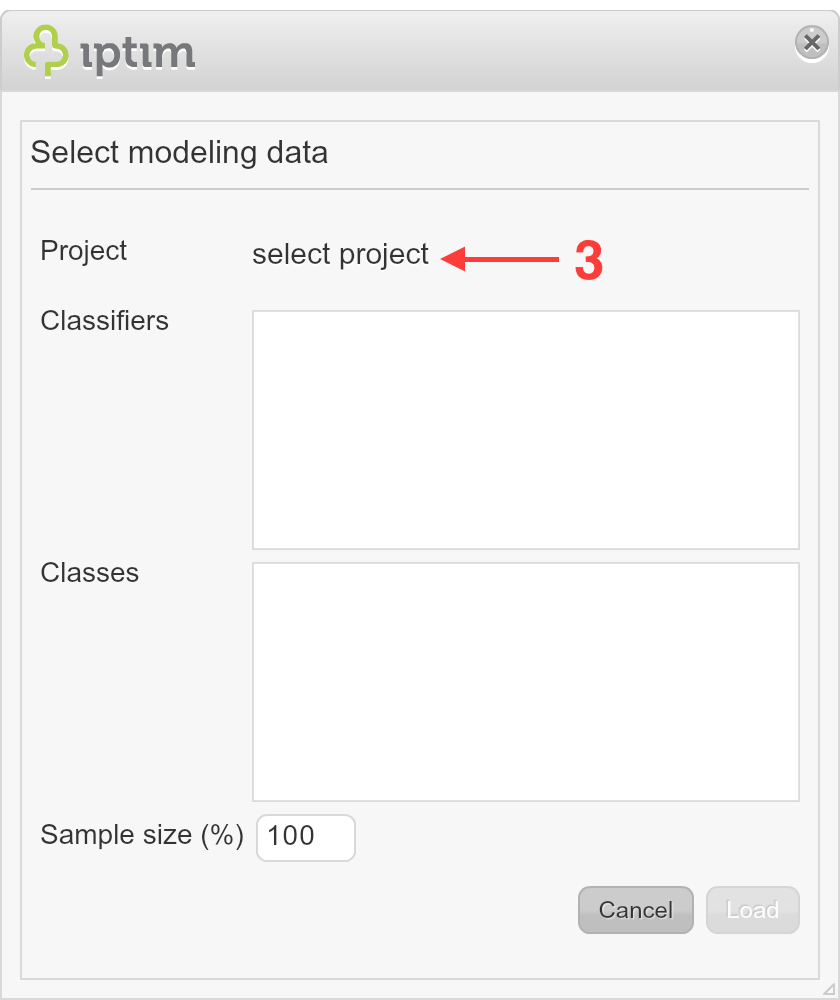
- Click on "select data" (a "Select modelling data" window will open).
- Click on "select project" (another window opens displaying the "Project browser" folders).
- Select the dataset containing the subdataset(s) that you want to use for the modelling.
- Click on "select" (you will return to the "Select modelling data" window).
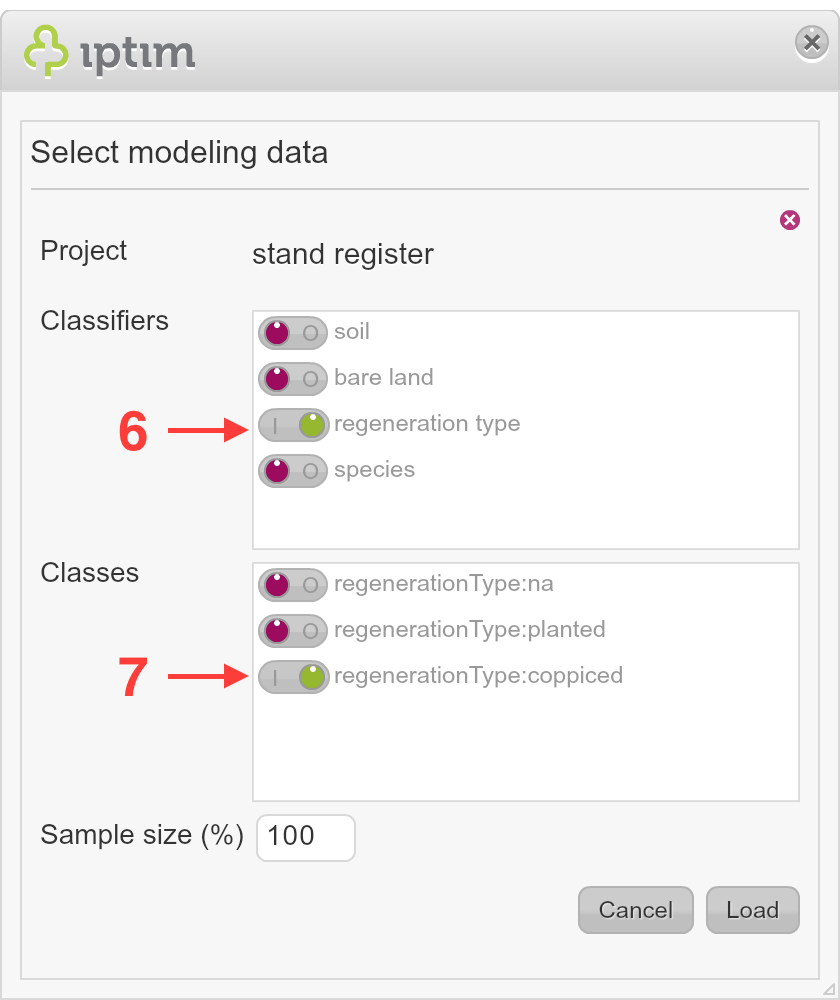
- From the classifier options, select the variable that allows selecting the subset,
- From the classes, select the subset(s) that you want to use for modelling.
- Click "Load".
Comments
0 comments
Please sign in to leave a comment.