
General information
The window Taper curve in the module Model offers tools to estimate taper curve models. Taper curve models allow (i) precise estimations of volumes, and (ii) optimising a portfolio of wood assortments).
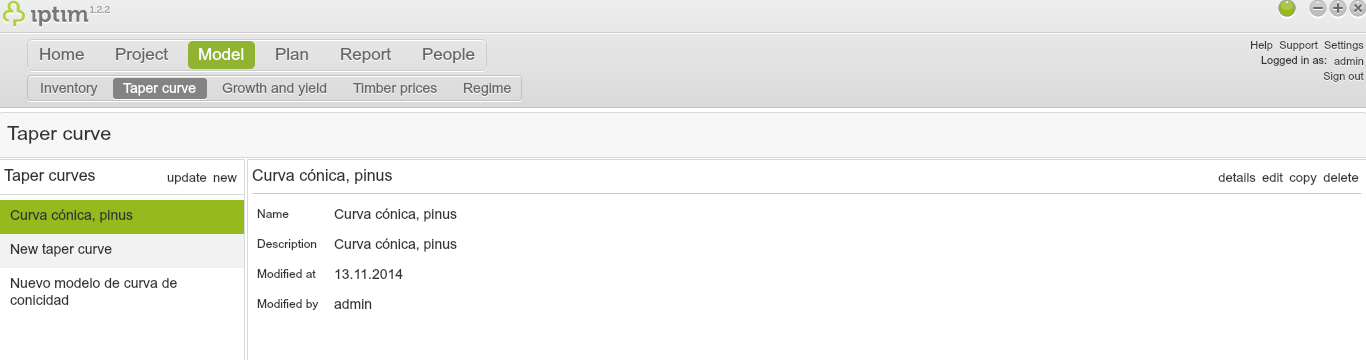
Taper Curve main window view
__
Practice-file for the taper curve tutorial
You can use the following file in this tutorial:
The file includes measurements for modelling taper curves.
__
Creation of a new taper curves model
To create a new taper curve model:
- Click on the Taper curve window in the module Model.
- Click on new in the left-hand side of your screen.
- Enter a Name and Description.
- Click on confirm.
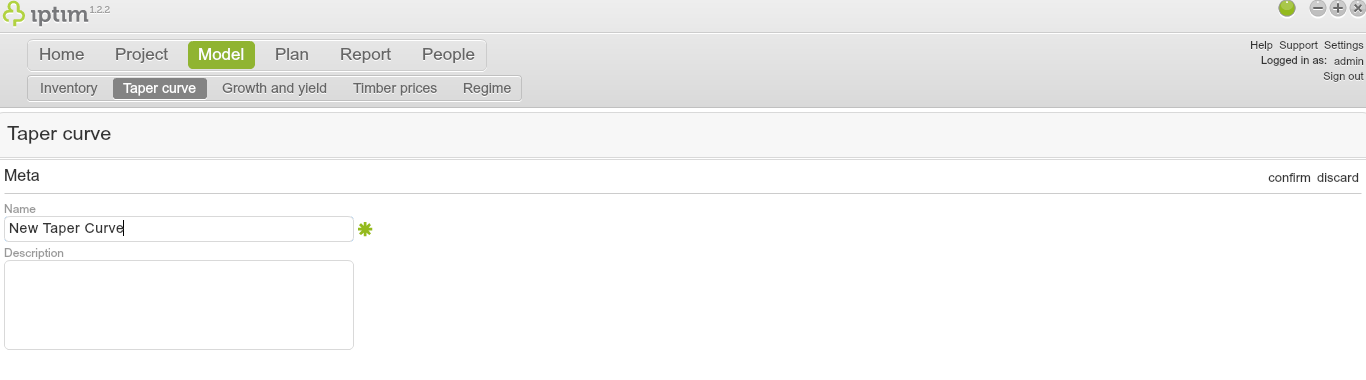
Creating new taper curve.
__
Editing a taper curve model
To edit a taper curve model:
- Click on the Taper curve window in the module Model.
- Click on the taper curve mode that you want to edit.
- Click on edit on the right-hand part of your screen (or double-click on the model).
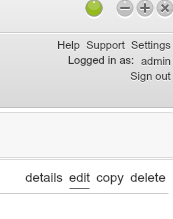
Button to edit taper curve model.
__
Loading trees for modelling taper curves
Load tree measurements before estimating a taper curve model.
- Click on the Taper curve window in the module Model.
- Edit a previously created taper curve model (see above).
- Click on Load Trees on the right-hand side of your screen.
- Select and open a file with tree measurements for modelling taper curves (e.g. tapercurve.xls). The tree measurements will be loaded in Iptim and a window will appear specifying the number of loaded trees.
- Click on OK. You can navigate through the loaded data with the buttons Next and Prev. You can also add and remove trees with the buttons + and -. You can also use the cursor to interact with the graph.
- Click on save.
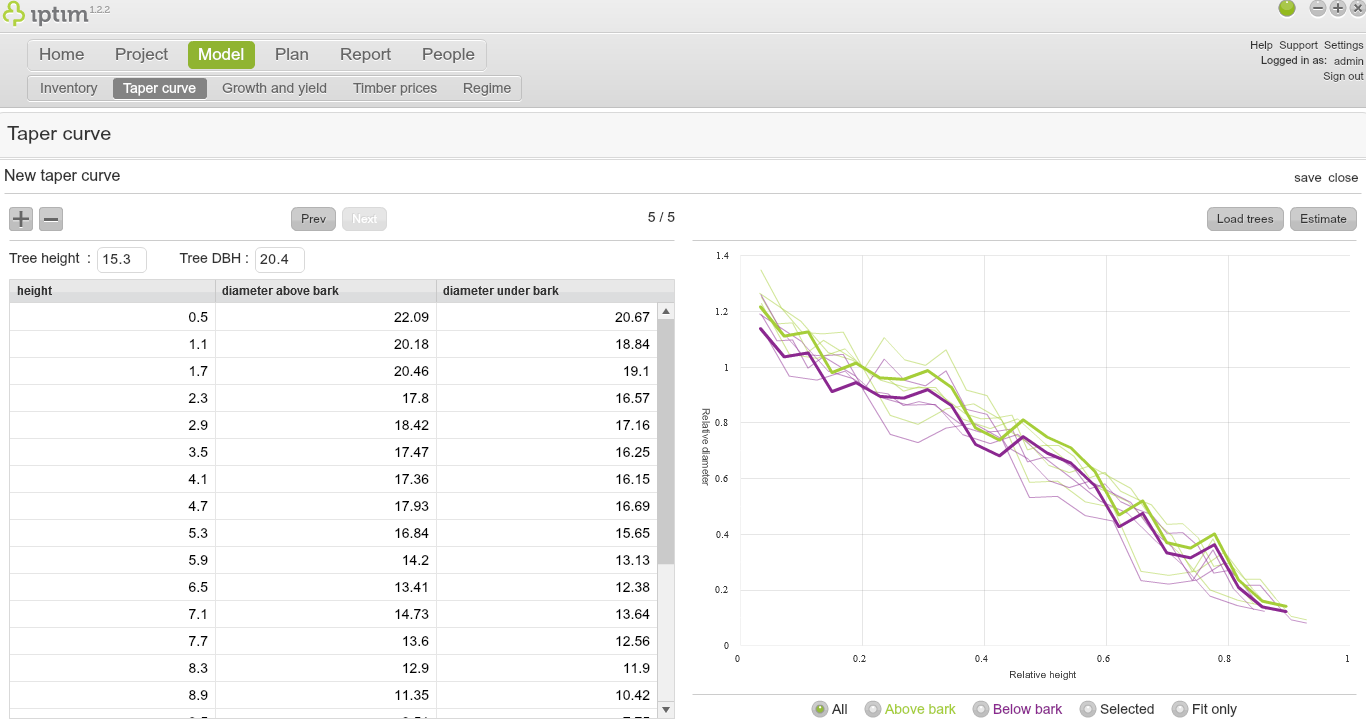
View after loading tree measurements.
__
Estimation of taper curves
After the loading of tree data, you can estimate the taper curve.
- Click on the Taper curve window in the module Model.
- Edit a taper curve model with loaded tree measurements (see above).
- Click on Estimate on the right-hand side of the screen. A window opens indicating the generation of a PDF report.
- Click on Save Report. Choose a folder in your computer and save the file.
- Click on save. You can click on Fit only on the lower right part of the graph to observe only the taper curve fitted line.
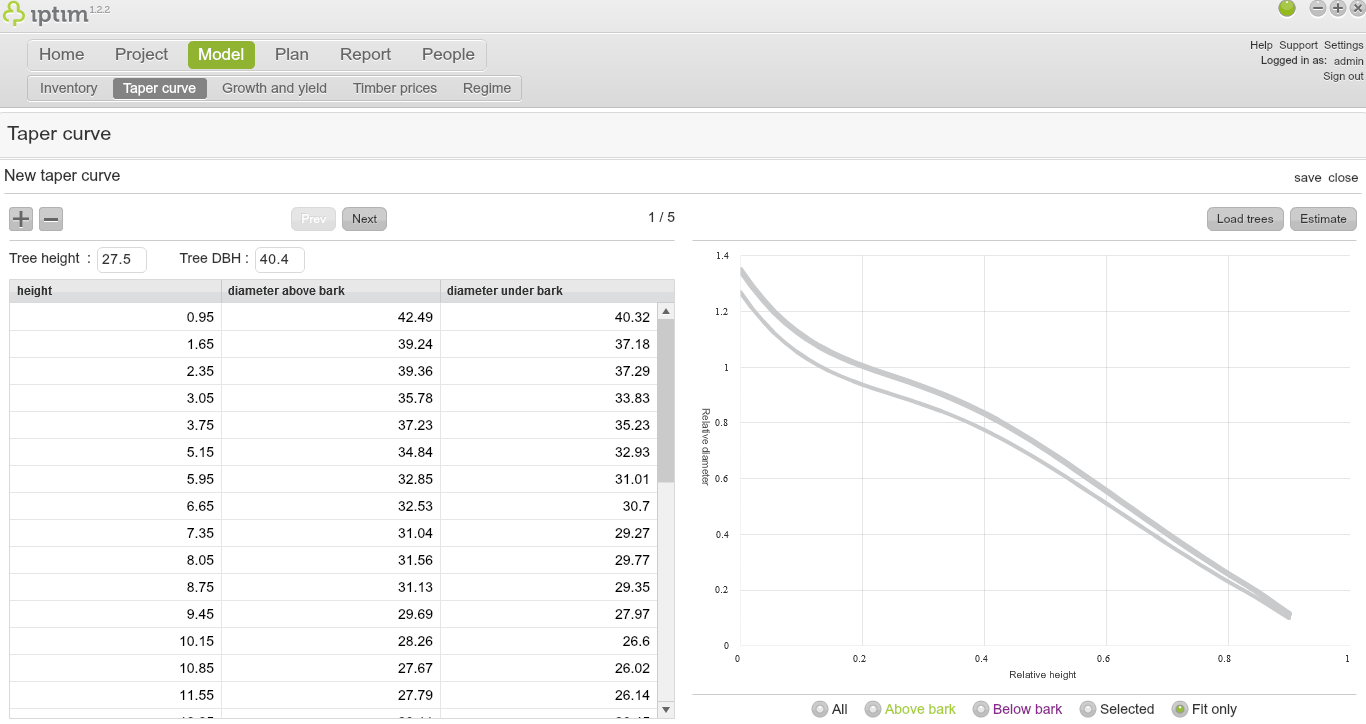
View after choosing the 'Fit only' option after estimating taper curve.
Comments
0 comments
Please sign in to leave a comment.