
General information
In the window Regime in the module Model, users can define the silvicultural and harvest operations that they typically conduct. Users can set different types of costs for each operation.
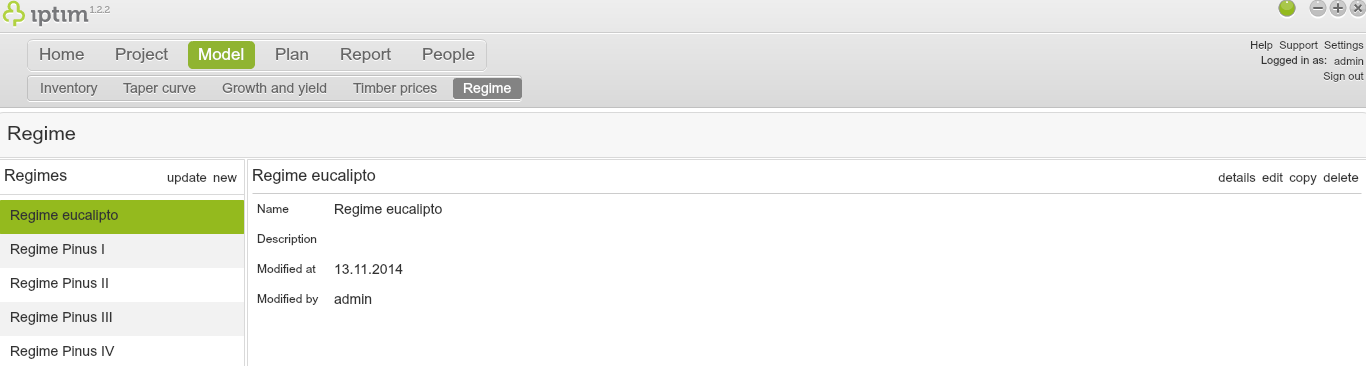
Regime window main view.
__
Creating a new regime
To create a new regime:
- Click on the window Regime in the module Model.
- Click on new in the section Regimes on the left side of your screen.
- Select the Project that includes the data set to be used for the new regime.
- Select the Dataset to be used for the new regime.
- Use the switch buttons in the Stratify by section to stratify the new regime. For example, if you set on the switch button Main tree species, you will create a regime for each tree species.
- Click on Select.
- Enter a Name and a Description for your new regime.
- Click on accept.
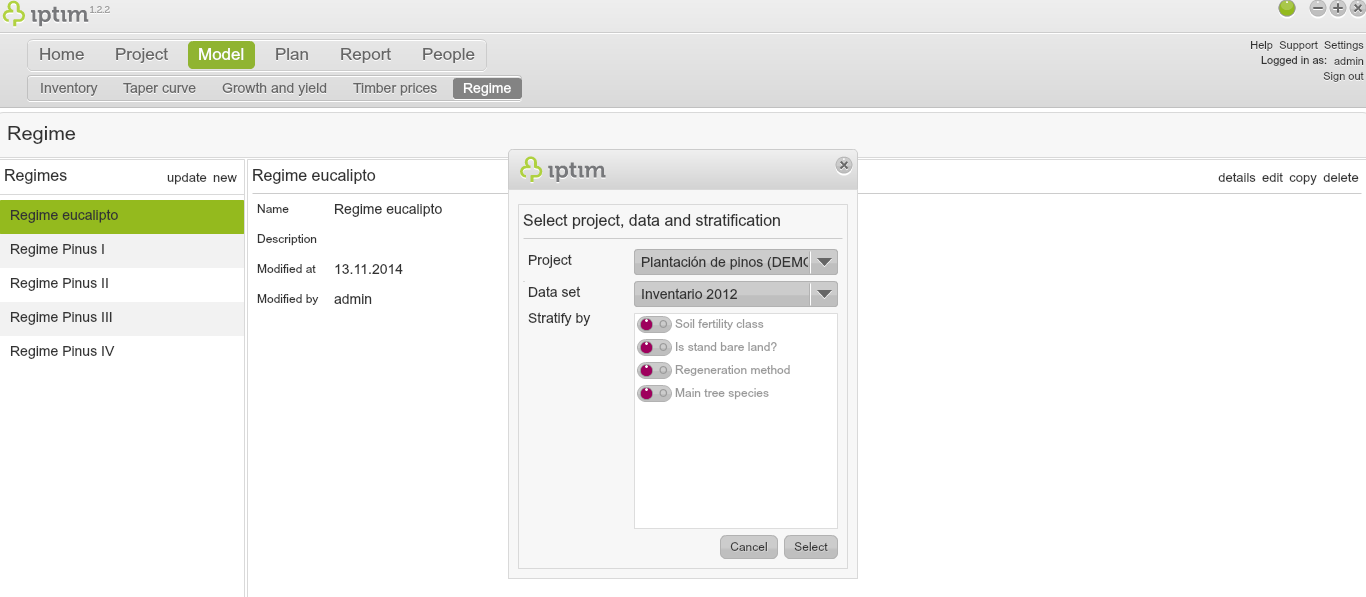
Selecting a Project, Dataset, and stratification for a new regime.
__
Editing a regime
To edit an existing regime:
- Click on the window Regime in the module Model.
- Click on the regime to edit in the section Regimes on the left side of your screen.
- Click on edit on the right side of your screen (or double click on the regime).
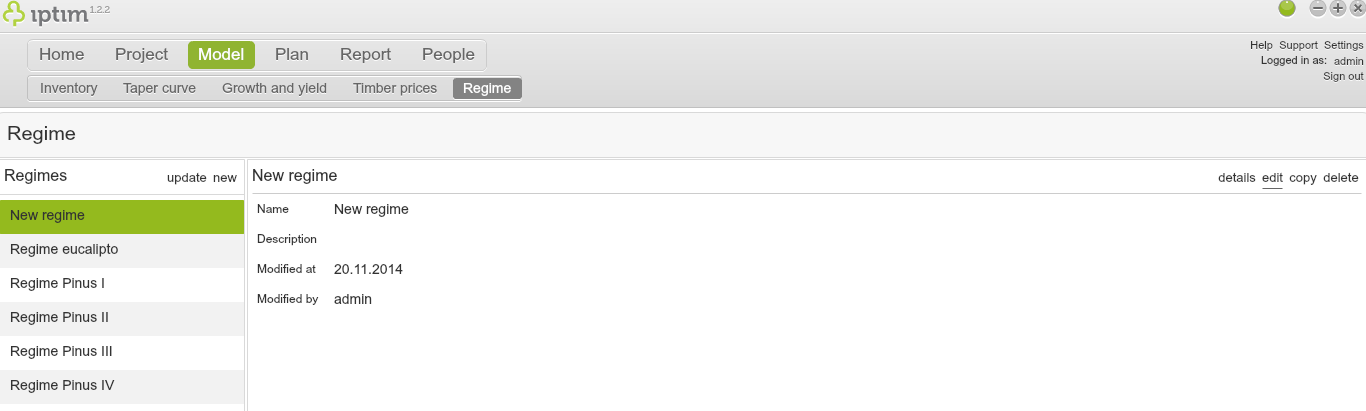
Button to edit regimes.
__
Entering parameters and values in a regime
- Click on the window Regime in the module Model.
- Edit a regime (see above).
- If the regime was stratified, click on the strata that you wish to configure in the section Strata. If not, click on All strata.
- If needed, modify the Time step.
- Select an Operation type in the corresponding drop down menu.
- If needed, modify the Operation name.
- Click on the button + to add the operation.
- Click on the newly created operation, and edit the corresponding variables on the upper right hand side (see note below).
- Enter information and values for Notes, Labor requirements, Labor cost, Material Requirements, Material cost, and Other costs.
- Add all operations following steps 5-8.
- Click on save.
- Click on close. A window asking if you want to save will appear.
- Click on Yes.
Note on step 8. These are the types of operations and corresponding parameters which the user can modify:
- Planting: planted species; and the number of seedlings.
- Coppicing: number of coppices; and Growth factor.
- Thinning: removed proportion; and a minimum number of stems after thinning.
- Silviculture: area proportion.
- Clearcut.
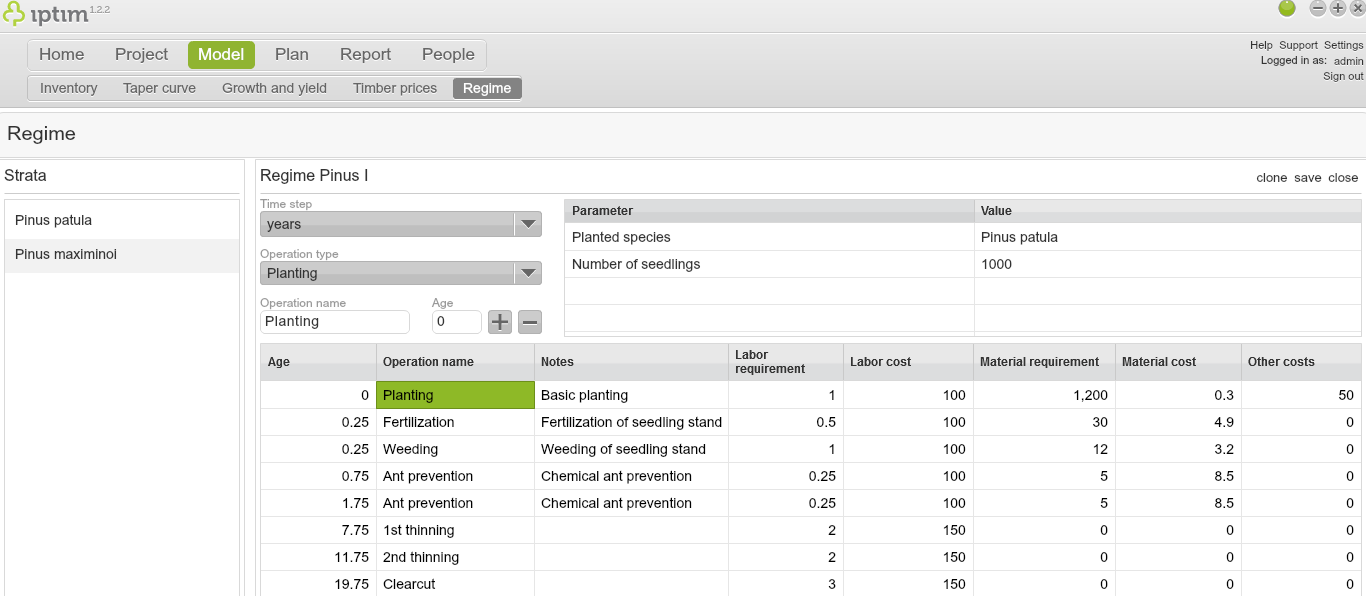
The configuration of a regime.
Comments
0 comments
Please sign in to leave a comment.