
General information
Timber prices in the module Model offer tools to create price lists which can be stratified according to various variables (e.g. species, harvest operations). Timber prices influence the optimisation in Iptim when using taper curves.
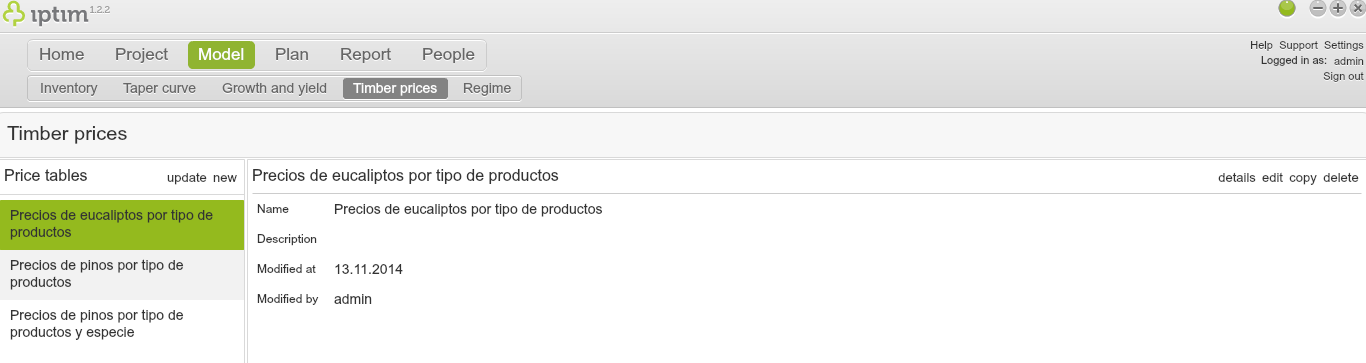
Timber prices window the main view.
__
Creation of a new timber price table
To create a new timber price list:
- Click on the Timber prices window in the module Model.
- Click on new in the section Price tables on the left part of your screen.
- Select a Project, which includes the dataset that you wish to use for the price table.
- Select the Dataset to use for the price table.
- Use the switch buttons in the section Stratify by to create stratified. For example, if you turn on the switch button Main tree species, you will be able to create a timber price list for different species.
- Enter a Name and Description for the different assortments in the section Timber assortments.
- Click on Select.
- Enter a Name and Description for your new timber price table.
- Click on accept.
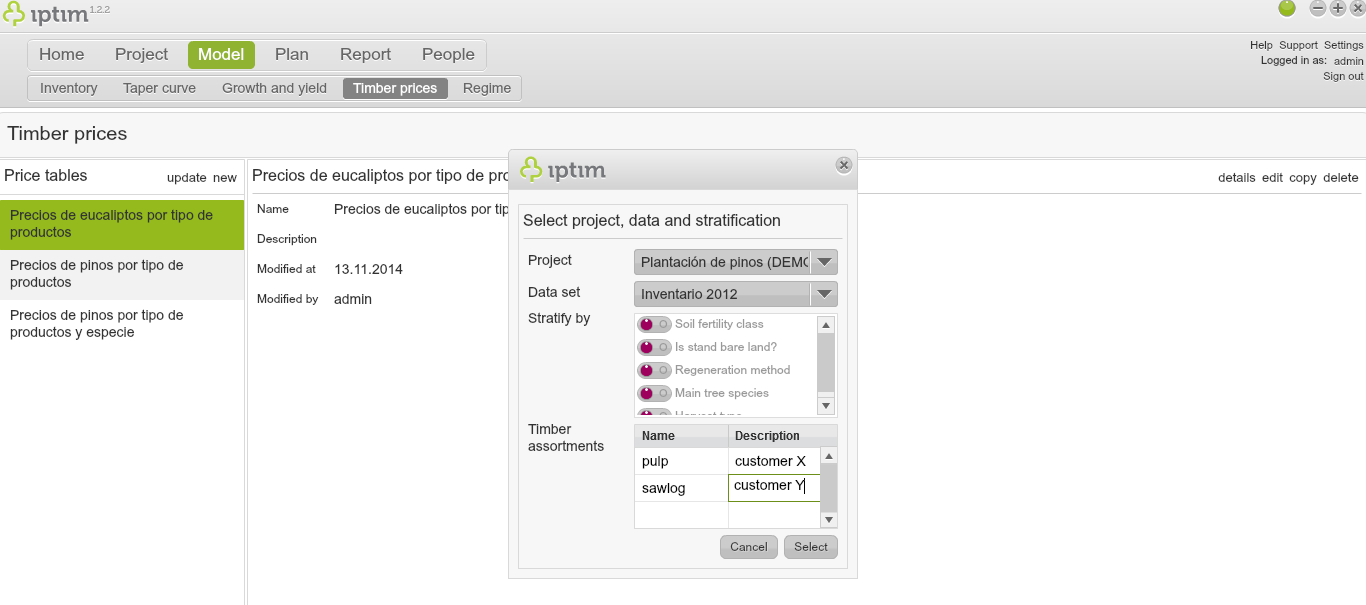
Creation of a new timber price list.
__
Editing a timber price list
To edit a timber price list:
- Click on the Timber prices window in the module Model.
- Select a price list in the Price section tables on the left part of your screen.
- Click on edit on the right part of your screen (or double click on the price list).
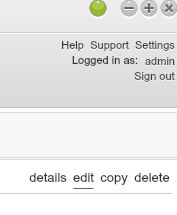
Button for editing price tables.
__
Entering parameters and prices
To configure a price list:
- Click on the Timber prices in the module Model.
- Edit a price list (see above).
- Enter a value in Min. diameter by double-clicking on the corresponding cell.
- Enter a value in Min. length by double-clicking on the corresponding cell.
- Enter a value in Proportion (%) by double-clicking on the corresponding cell.
- Enter a value in Price by double-clicking on the corresponding cell. Note that the proportion will be automatically calculated when using taper curves. Moreover, the sum of the proportions of one single species can not be higher than 100%.
- Enter a value in Harvest cost by double-clicking on the corresponding cell.
- Click on save.
- Click on close. A window will appear asking you if you wish to save before closing.
- Click on Yes.
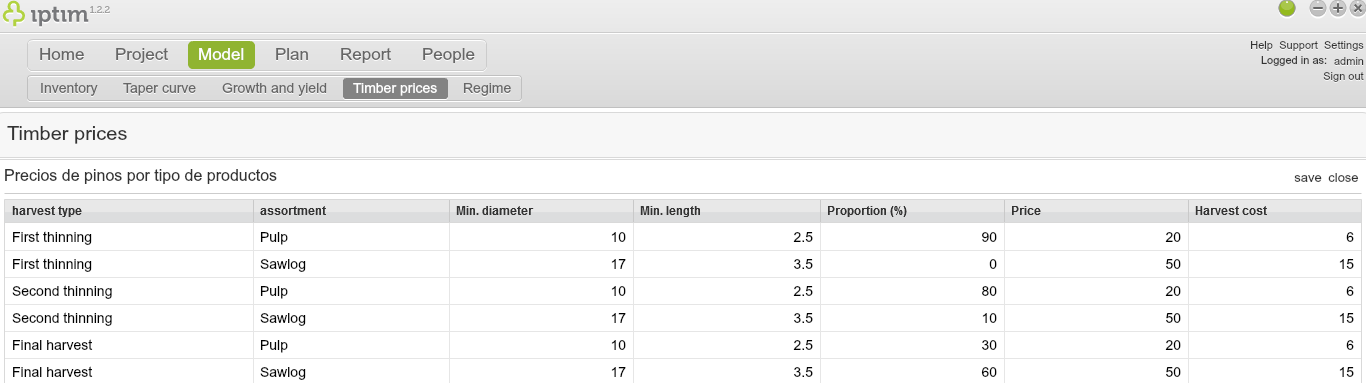
Setting up a price list.
Comments
0 comments
Please sign in to leave a comment.